
Form-Factor Lock for Kiosk Enclosures When Modules Change: Keeping a 15.6–21.5-Inch Platform Configurable
Form-factor lock for kiosk enclosures means freezing the screen diagonal, mounting interface and service-access envelope early, while deliberately leaving module bays, I/O cutouts and internal brackets open. Modules can be added after the enclosure design is fixed only if bay apertures, cable paths and power headroom were reserved in the first sheet-metal revision.
Most projects get this backwards. Teams wait for the peripheral list to stop moving before they sign the enclosure drawing, then discover the enclosure is the long-lead item and the module list is the thing that keeps changing.
Why the Module Set Moves After the Enclosure Is Drawn
Can kiosk peripherals be added after the enclosure design is fixed? Yes, provided the enclosure reserved blanked bay apertures, spare cable channels and thermal headroom before tooling. Without those reserves, a late cash acceptor, 80 mm thermal printer, scanner, EMV bracket, keycard encoder or camera forces a new sheet-metal revision and a new certification pass.
The tension is structural: the enclosure is the hard-to-reverse item, while the kiosk peripheral module integration list is often confirmed weeks later, once payment, software and workflow decisions settle. Vendor configuration guides treat the peripheral module list — printer model and width, scanner type, EMV bracket specifications, cash acceptor capacity — as an input to quoting, not a fixed given ([3]). Design the enclosure as if the list will move, and the movement costs a bracket instead of a tool.
The 15.6-Inch and 21.5-Inch Tier: Why It Became the Module-Optional Default
What screen sizes are common for self-service kiosk platforms? Current manufacturer catalogues cluster on 15.6-inch and 21.5-inch panels because both are standard commercial display sizes with deep peripheral support, so the same module set fits countertop and floor-standing variants without redesigning the module package.
This is the module-optional default in practice, not a marketing claim. Adhaiwell lists 15.6″, 21.5″, 23.8″, 27″ and 32″ PCAP 10-point capacitive touch options across one hardware line and notes that configurations can be customised by project requirement, installation space and software compatibility ([7]). SUNTEK takes the same approach from the other direction, treating a 15.6-inch main size with an optional 21.5-inch screen and a 21.5-inch main size with an optional 15.6-inch screen as two members of one family ([4]).
| Size tier | Typical mounting | Module appetite |
|---|---|---|
| 15.6-inch | Countertop and wall-mount; compact floor pedestals | Narrow decks; printer, scanner and payment reader, typically no cash recycling |
| 21.5-inch | Floor-standing pedestal; freestanding lobby units | Full module set including cash handling, keycard and dual-screen configurations |
| 21.5-inch + 15.6-inch dual | Floor-standing with customer-facing second display | Highest module count; the second screen competes with bays for internal volume |
A 21.5-inch main unit with an optional 15.6-inch screen is documented for ordering, checkout, ticketing and registration work, while the 15.6-inch desktop variant targets counters, cafés, clinics and pharmacies ([4]). Dual-screen configurations pair a 21.5-inch main display with a 15.6-inch secondary unit alongside scanners and multiple payment options in an anti-vandal enclosure ([2]). These are manufacturer product documentation, not independent test results.
Lock Order: What to Freeze Now, Later, and Never
| Attribute | Lock timing | Why | Cost of changing later |
|---|---|---|---|
| Screen diagonal and aspect ratio | Lock now | Sets panel, touch stack, glass and mounting plate down to the millimetre | New glass, bezel and mounting plate; effectively a new enclosure |
| Mounting interface and footprint | Lock now | Drives floor plate, counter cutout, ballast and anchoring | New fabrication for every unit already installed |
| Enclosure envelope and depth | Lock now, with declared growth allowance | Governs shipping volume, footprint and doorway clearance | Sheet-metal enclosure revision plus re-certification |
| Service doors and cable routing | Lock now | Determines how field technicians reach modules and where cable trees run | Retrofitted door cutouts weaken the chassis |
| Ventilation and thermal design | Lock now | Sized to the highest expected thermal load | Under-ventilated cabinets throttle compute; adding vents voids ingress claims |
| Module bay count and pitch | Hold open | Bay geometry can be reserved while content is undecided | Bracket and aperture change only |
| I/O cutout layout | Hold open | Cutouts follow the connector schedule, which follows the module list | Blanked apertures absorb the change |
| Internal brackets and mounting plate details | Hold open | Cheapest item in the assembly to revise | New bracket drawing; minimal tooling impact |
| Finish and branding panels | Hold open | Replaceable panels carry logos, colour and RAL codes | Panel reorder, no structural change |
The sequence is what matters. Screen diagonal and aspect ratio lock first because they set the mechanical reference for everything downstream. Then the mounting interface and footprint, because they define where the unit stands and what it bolts to. Then the enclosure envelope and depth, including an explicit allowance for the deepest plausible module stack. Then service-door position and ventilation path, because both are cut into the outer skin and both are expensive to move once the sheet is formed. Only then do bay count, bay pitch, I/O cutout layout and internal brackets sit in hold-open, where they belong.
Treat the full module list as a quotation input rather than a design freeze. A vendor quote checklist asks for printer model and width, scanner type, EMV bracket specifications and cash acceptor or dispenser capacity before quoting, which tells you the peripheral list is normally still fluid at the pricing stage ([3]). If the module list is fluid when the price is set, it will be fluid when the drawing is issued.
The Reconfiguration-Ready Enclosure: Design Moves That Buy You Options
These are decisions to raise with the enclosure supplier at quote stage, before the drawing is released. Each one costs a small amount of material and saves a sheet-metal revision.
- Blanked bay apertures. Reserve the maximum plausible bay count with removable blanking plates. Cost: minor extra cutting and a cover. Saves: a full enclosure revision when a module is added.
- Standardised mounting plate spacing. Use one bolt pattern across bay positions so modules can swap positions. Cost: a few extra holes. Saves: new bracket design per relocation.
- Oversized service door. Size the rear or side door for the largest module, not the current one. Cost: slightly larger opening and hinge hardware. Saves: an unserviceable unit when a larger module is fitted.
- Pre-routed cable channels and spare I/O footprint. Run conduit for the modules you might add next. Cost: channel and clips. Saves: re-routing through an assembled cabinet.
- Removable rear panel. Full rear access for build and field service. Cost: panel and fasteners. Saves: labour on every module change.
- Documented revision-control convention. Agree how revisions are named and which attributes are frozen. Cost: administrative. Saves: ambiguity when a change order arrives mid-build.
The cost asymmetry is simple. A late change to a sheet-metal envelope means new tooling, a new finish pass, re-verification of ingress and structural claims, and scrap of units in build. A late change to a bracket means a drawing, a laser cut and a fit check. That is why configurable kiosk hardware should concentrate its flexibility in brackets and apertures, not in the outer skin. Where the module set includes cash handling, an anti-vandal enclosure with physical security locks is a baseline requirement rather than an option ([3]).
Where the Lock-Order Changes by Application
Kiosk form factor by mounting style is a useful first filter, but the application decides which attribute is genuinely immovable.
| Application | Attribute that locks earliest | Note |
|---|---|---|
| Restaurant self-ordering | Screen diagonal and service-counter footprint | Angled countertop units have little bay depth; module choice follows the footprint |
| Retail checkout | Footprint and basket-shelf interface | Scanner and payment stack geometry is fixed by the checkout lane |
| Hotel self check-in | Enclosure envelope and finish | Sleek front-of-house design limits module depth and service access |
| Hospital registration | Service-door position | Access for maintenance and cleaning schedules matters more than bay count |
| Ticketing and transit | Envelope and physical security | Heavy-duty steel chassis, document readers and dual printers constrain the outside dimensions |
| Cash handling and cashless payment | Safe-box and acceptor dimensions | The outlier: cash hardware pulls the envelope lock earlier than anything else |
Cash handling is the exception that proves the rule. Vendor documentation states that bill payment and cash-handling kiosks require high-security safe boxes along with cash acceptors, note dispensers, coin hoppers and anti-skimming EMV readers ([3]). Safe-box dimensions are regulated by security standards, not by convenience, so the enclosure envelope cannot stay open in the same way a pure cashless unit allows.
The Reconfiguration-Readiness Checklist Before You Approve the Drawing
Form-factor lock for kiosk enclosures is only useful if it survives contact with a sign-off meeting. Run this list before you approve a tooling or sheet-metal revision. If you are buying from a custom kiosk enclosure OEM ODM supplier, ask them to confirm each line in writing rather than accepting a verbal assurance.
- Module list status. Is each module frozen, held open, or excluded? Mark it explicitly — “hold open” is a decision, not an omission.
- Bay count and bay pitch. Does the reserved bay count exceed the current module count, and is the pitch consistent across bays?
- Aperture blanking. Are unused apertures blanked with removable covers, and are the covers part of the deliverable?
- Mounting-plate standardisation. Do all bays share one bolt pattern so modules can be relocated without new brackets?
- Service access. Can the largest planned module be removed through the existing door without disassembling the cabinet?
- Cable routing. Are channels pre-routed to every bay position, including currently empty ones?
- Thermal headroom. Was ventilation sized to the highest expected load, not the launch configuration?
- I/O cutout schedule. Does a numbered cutout schedule exist, with unused cutouts blanked?
- Power budget. Does the internal PSU have headroom for the modules marked hold-open?
- Compute and OS socket. Have you confirmed the compute engine and OS — Windows, Android or Linux — against the module drivers? Vendor documentation lists Intel Core i3/i5/i7 for Windows and SoC options such as RK3588 for Android ([3]).
- Finish panel replaceability. Can branding panels be swapped without touching the structure?
- Revision-control convention. Is there a written rule for what counts as a minor revision versus a new enclosure?
- Supplier commercial terms. Record the stated sample lead time and MOQ. One manufacturer lists sample lead time of 3–15 days ([6]) and quotes a retail price band of US$750–1,200 for a comparable 15.6/21.5-inch self-service unit ([1]). Both figures are vendor-reported and unverified — treat them as a starting point for your own quotation, not as market benchmarks.
FAQs for Buyers Locking an Enclosure Under Module Uncertainty
Can kiosk peripherals be added after the enclosure design is fixed? Yes, if the enclosure was designed with blanked apertures, spare cable channels and power headroom. Adding a module to a cabinet with no reserves usually means a new sheet-metal revision, because the bay, connector cutout and ventilation path all sit in the outer skin.
How is the OS and computing platform chosen for a kiosk? Work backwards from the software and the driver support for each module. Manufacturers catalogue Android, Windows and optional Linux across one hardware line, with Intel Core options for Windows and Rockchip SoC options for Android, so the selection is a driver-compatibility question before it is a performance question ([7]). Confirm the compute engine before the enclosure drawing is released, since it sets the internal volume and thermal envelope.
What information is needed to quote a custom kiosk enclosure? Six groups: application and placement, screen specification including size, touch type and resolution, peripheral module list with printer width and scanner type, compute engine and OS, branding and cabinet details, and quantity with target timeline. Vendors publish this as a standard quote checklist, and missing any group typically triggers a quotation revision ([3]).
How much can enclosure depth change after the first sample? Plan for little to no depth change. Depth is a fabricated dimension tied to the formed sheet, the mounting interface and the shipping envelope, so growth usually means a new revision rather than an adjustment. If depth is likely to increase, declare the allowance before the first sample and confirm with your supplier what their process permits.
Bottom Line: Lock the Envelope, Keep the Bays Open
The lock order is one sentence: freeze screen diagonal, mounting interface, envelope, service access and ventilation; hold bay count, I/O layout and brackets open. Form-factor lock for kiosk enclosures works when it is a sequence of decisions rather than a single go/no-go date, because the module list rarely stops moving before the drawing is signed.
Take the checklist above to your enclosure supplier and ask one direct question: which of these attributes do you treat as locked at quote stage, and which are still adjustable at sample? The answer tells you how much reconfiguration the platform will actually support — and how much it will cost when the module set changes again.
For the wider sizing picture behind these tiers, see the [5] and the [5]. Tablet-side applications of the same method are covered in the [5] and the [5].
Related guides
- The 15.6”–21.5” Gold Standard: Choosing a Compact Kiosk Form Factor for 2026 Transactional Rollouts
- Form Factor Lock Timing When an: When AI-Edge SoC Demand and the K-12 Refresh Compete for the Same Board Supply
- Android Tablet Form Factor Lock for NA Education Builds: What Is Actually Shipping in 2026
- K-12 education tablet refresh 2026 form factor: When to Lock Your Form Factor
Content reviewed: 2026-09-14.
Evidence confidence
Confidence: Medium. This rating reflects cross-checking 7 sources across 7 independent domains. It measures evidence coverage, not certainty; verify safety-critical work against manufacturer instructions and local requirements.
References
APA 7th edition
- ↑Made In China. (n.d.). 21.5 Inch Modular Check-in Kiosk for Hotels and Resorts. Retrieved September 14, 2026, from https://gzxishida.en.made-in-china.com/product/PUCrgLuHqthY/China-21-5-Inch-Modular-Check-in-Kiosk-for-Hotels-and-Resorts.html.
- ↑Widewellkiosk. (n.d.). 21.5" + 15.6" Dual Screen Self Checkout Kiosk. Retrieved September 14, 2026, from https://widewellkiosk.com/show-id-131.html.
- ↑Cited 6 timesSeelinkin. (2026). Custom Kiosk Hardware Manufacturing in China Guide. https://www.seelinkin.com/custom-kiosk-hardware-manufacturing-guide/.
- ↑Cited 2 timesSuntekai. (n.d.). Self-Service Kiosk Device Solution - SUNTEK. Retrieved September 14, 2026, from https://www.suntekai.com/solutions/self-service-kiosk-solution/.
- ↑Cited 4 timesKioskindustry. (2026). Kiosk Hardware: Expert Guide to Components & Self-. https://kioskindustry.org/kiosk-hardware/.
- ↑TCANG. (n.d.). Best Self-Service Kiosks for Fast Food Restaurants | TCANG. Retrieved September 14, 2026, from https://www.tcang.net/best-self-service-kiosks-fast-food-restaurants.html.
- ↑Cited 2 timesOEM Supply. (n.d.). China Self-Ordering Kiosk Hardware Manufacturer. Retrieved September 14, 2026, from https://adhaiwelldisplay.com/self-ordering-kiosk-pos-integration.
You should also read:
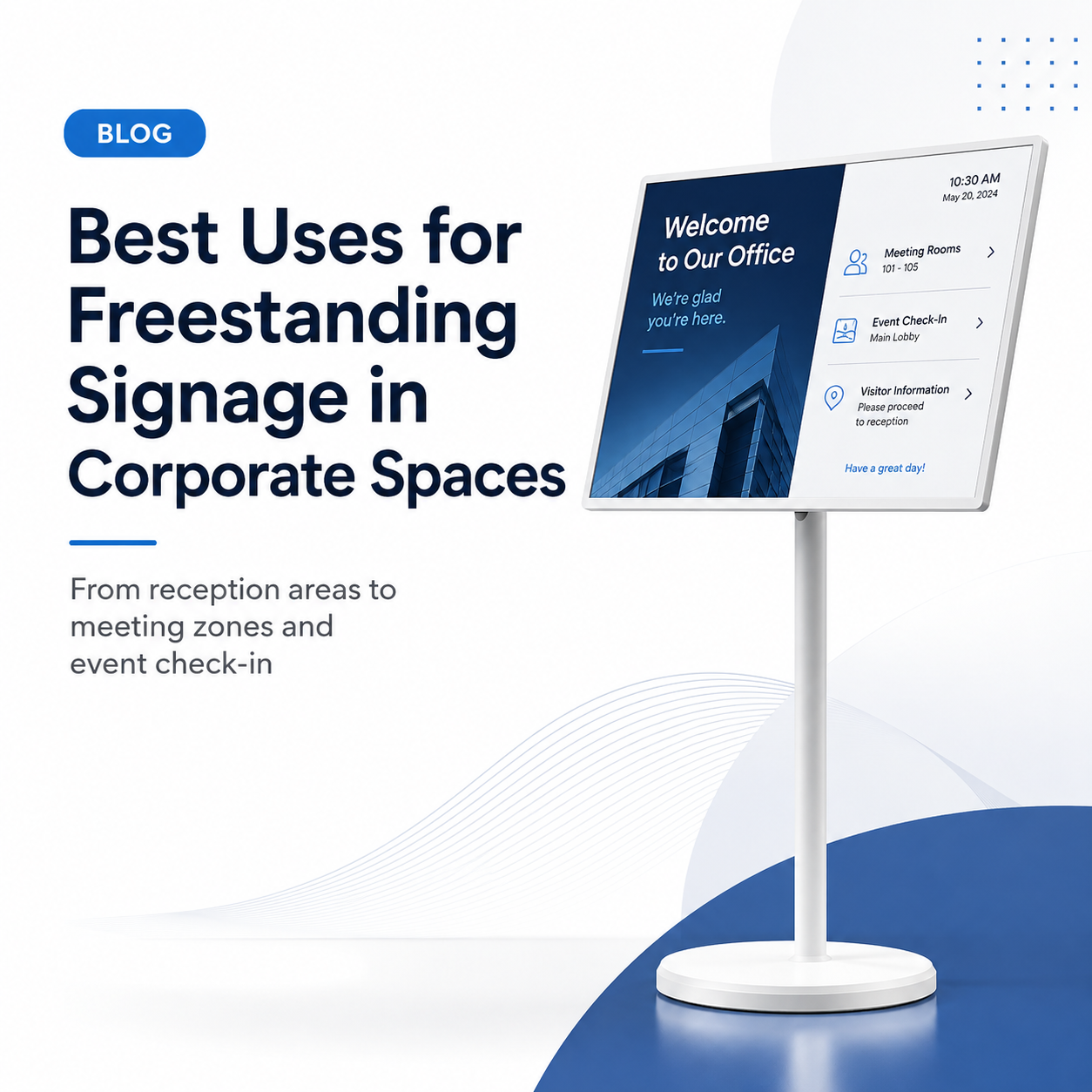
Form-Factor Lock for AI and Data-Connected 2026 Tablets: Reading Panel and OEM Signals Before You Commit to a Size
Form-Factor Lock For Ai And Data-Connected 2026 Tablets is the decision framework examined in this guide. The sections below turn sourced evidence into practical comparison criteria without overstating what the available research can prove. For 2026 AI and data-connected tablet programs, the pragmatic form-factor lock…
Continue reading...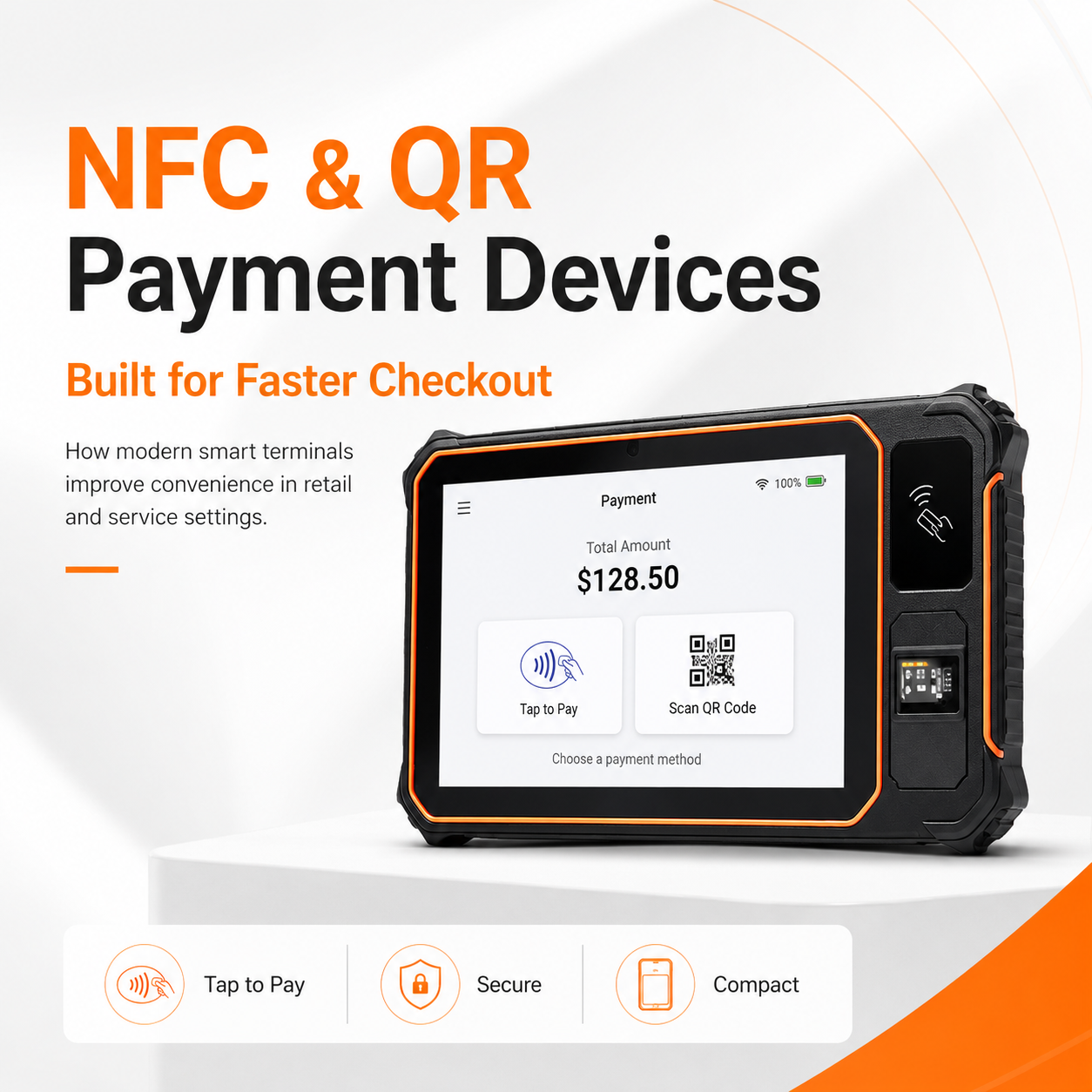
Tablet form factor lock compact vs large 2026: Compact vs Large — What the Forecast Split Means for OEM Buyers
Tablet Form Factor Lock Compact Vs Large 2026 is the decision framework examined in this guide. The sections below turn sourced evidence into practical comparison criteria without overstating what the available research can prove. Lock a large, rugged, detachable, or AI/5G-enabled tablet form factor for…
Continue reading...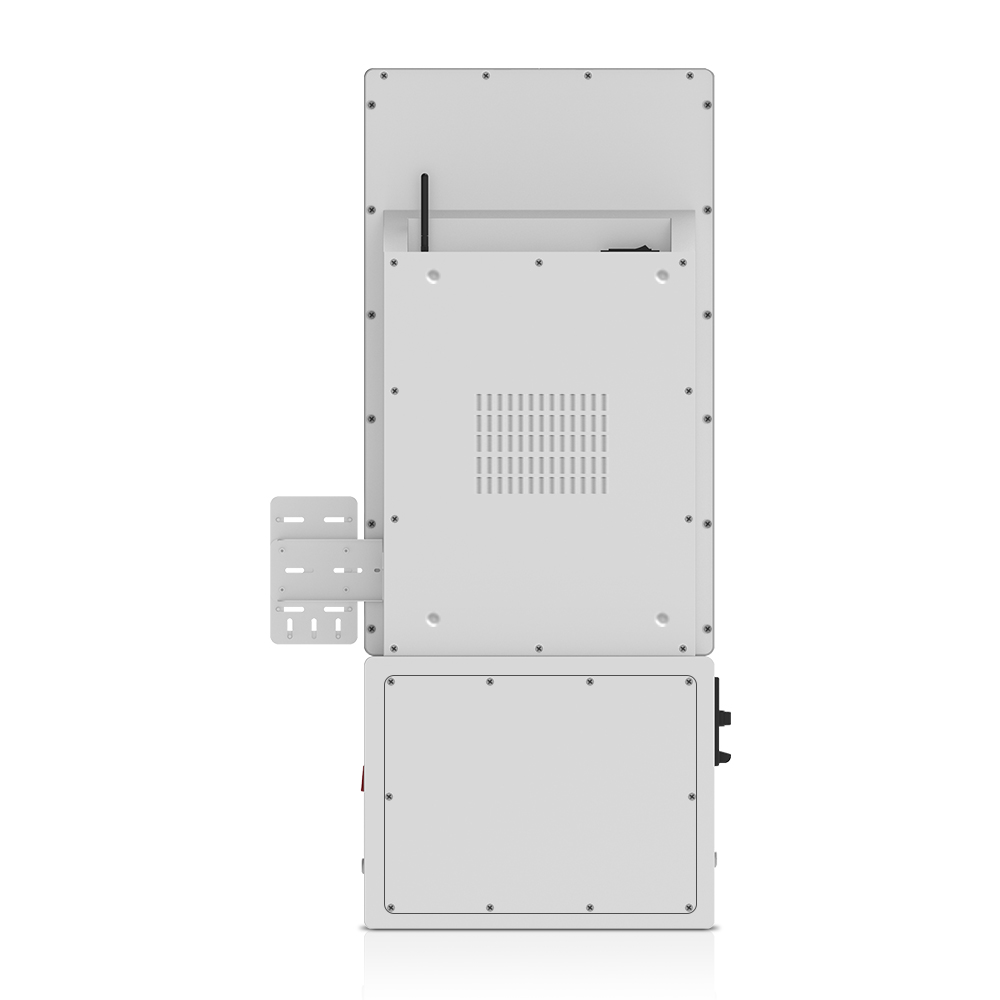
KDS Form-Factor Planning for ODM Buyers: What to Lock for 2026
KDS form-factor planning for ODM buyers in 2026 comes down to locking a minimum viable lineup, not chasing headline growth. Interpret rugged Android market momentum and the 27-inch Android KDS catalog appearance as form-factor signals, then commit to two segments — mobile rugged and wall-mount…
Continue reading...